
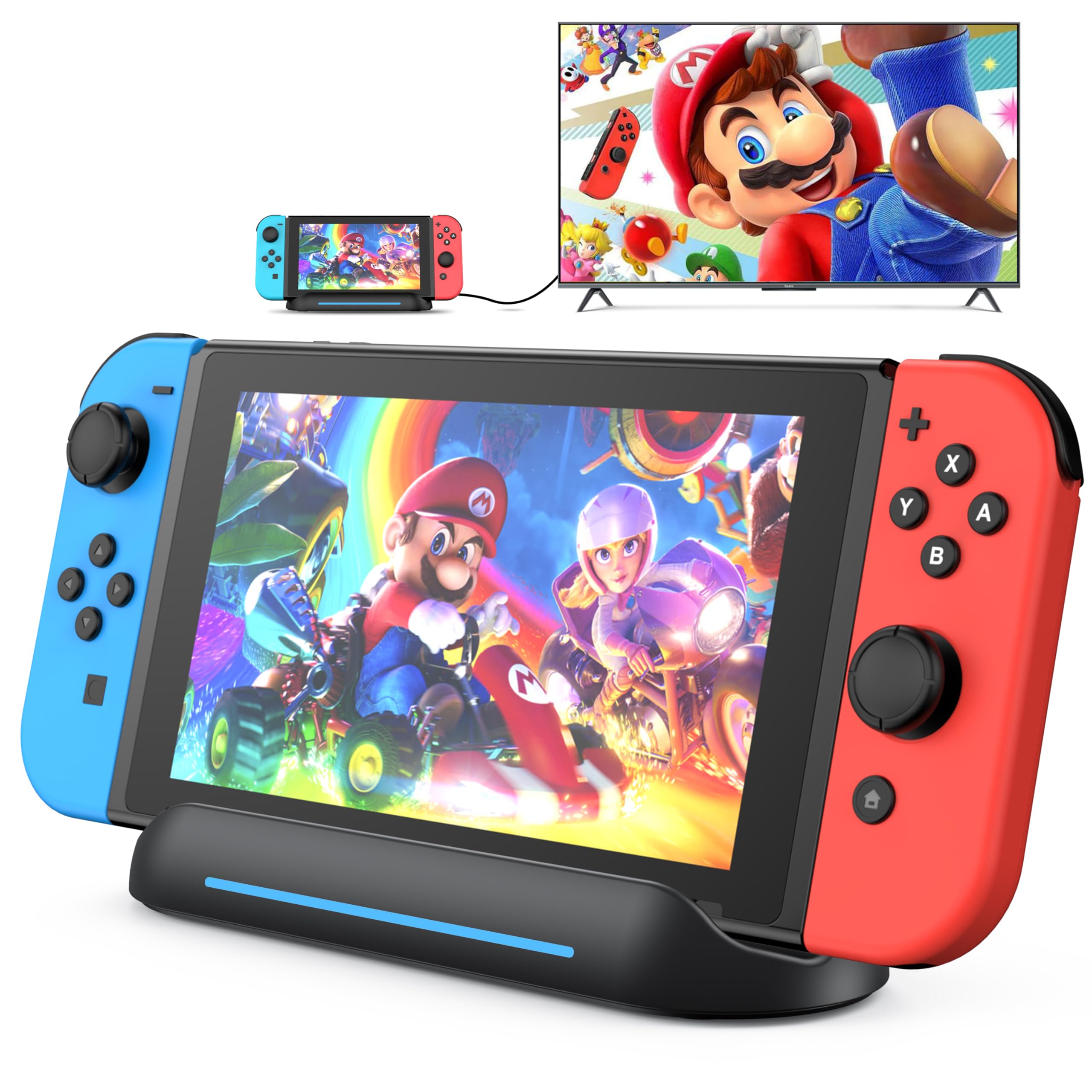


🎮 Dock, charge, and conquer—your Switch’s ultimate travel companion!
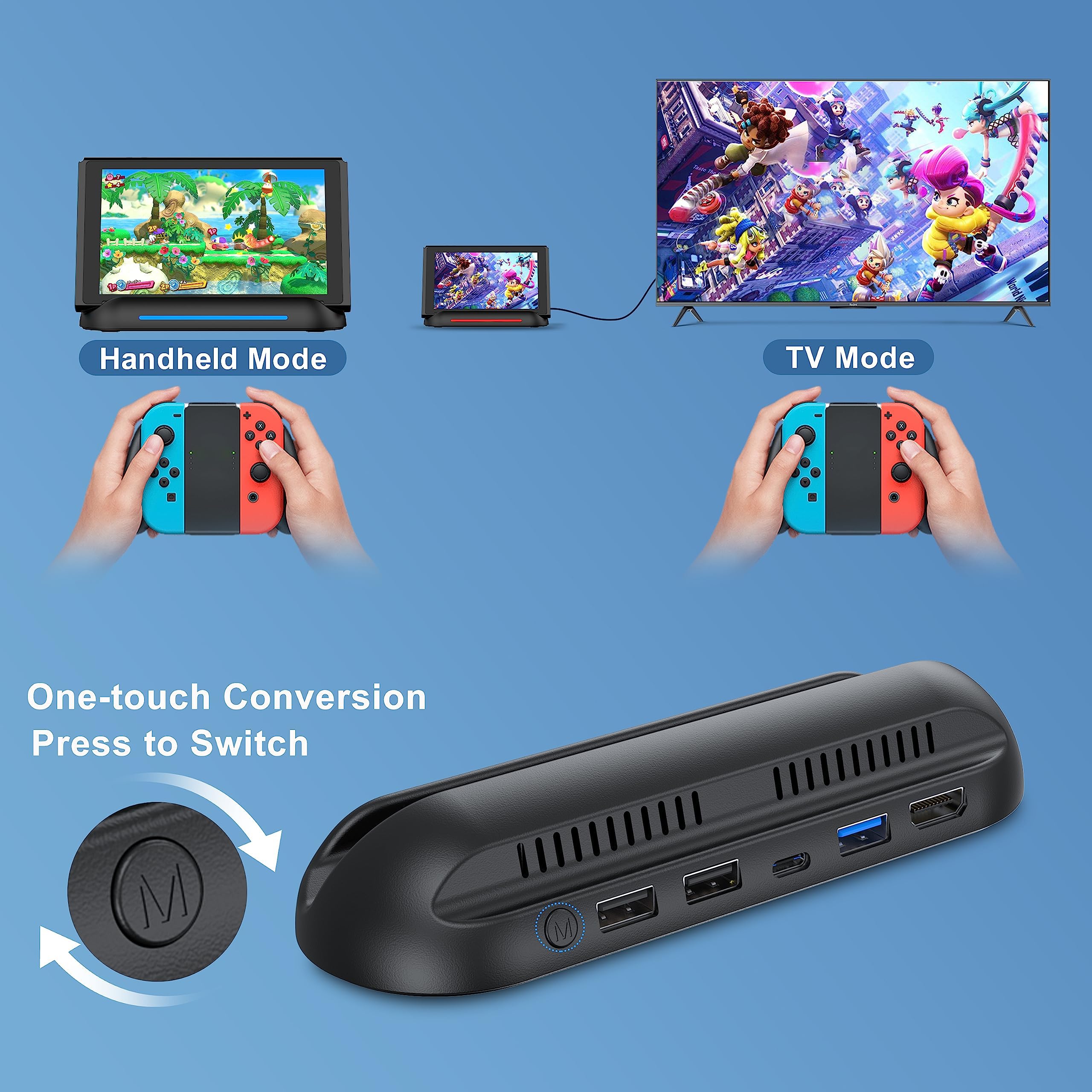
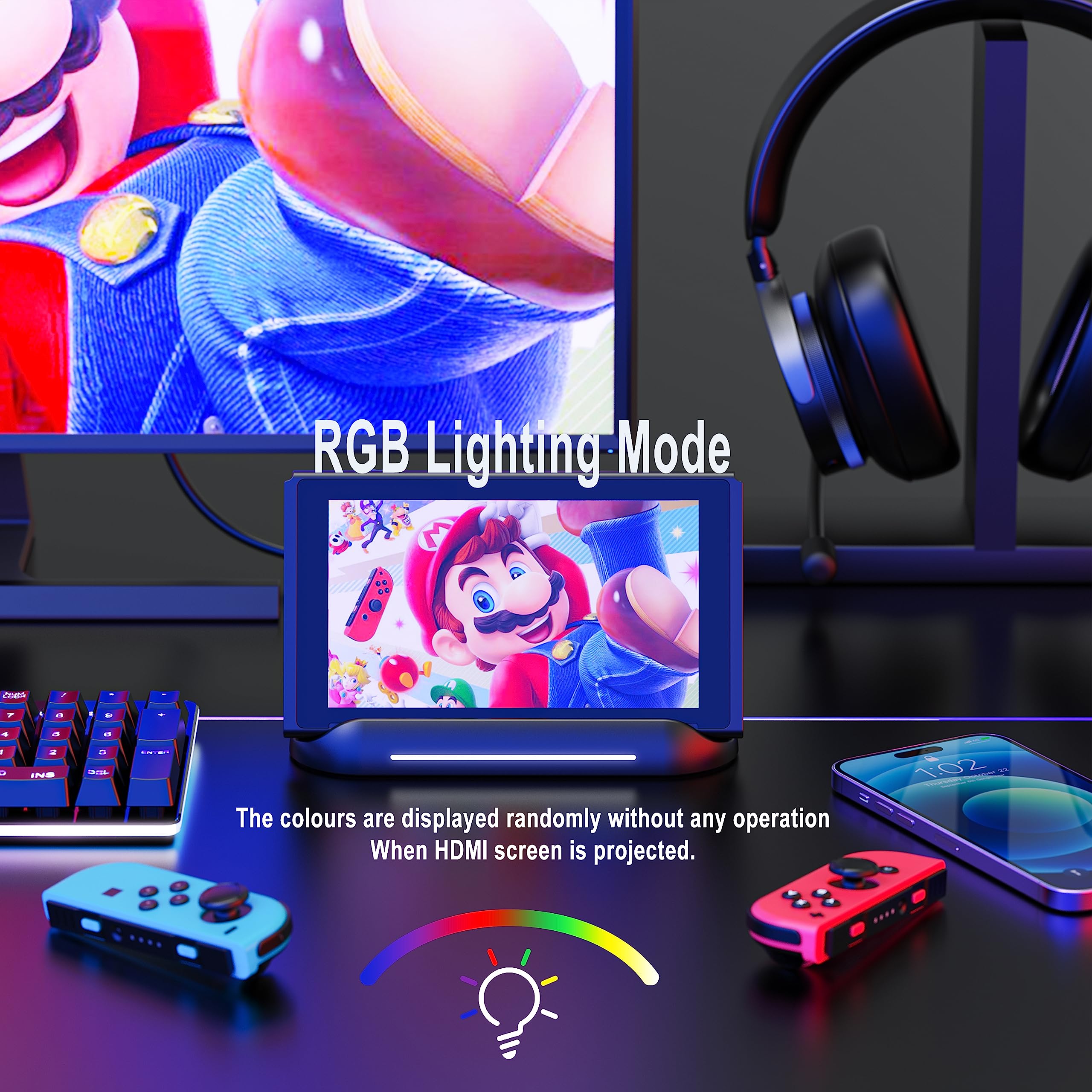
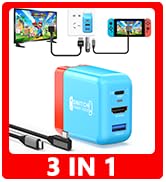
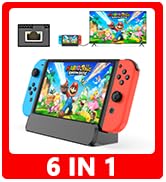
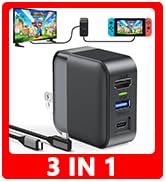
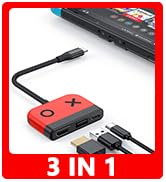
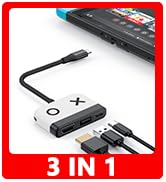
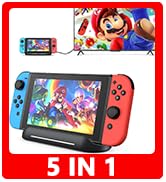
The 5 in 1 Switch Dock by RREAKA is a compact, portable docking station designed for Nintendo Switch and Switch OLED users. It features a 1080p 60Hz HDMI output, a high-speed USB 3.0 port supporting 5Gbps data transfer, and multiple USB and Type-C ports for charging and connectivity. With one-touch display switching, built-in cooling vents, and an anti-skid base, it offers a reliable and stylish alternative to the official dock—ideal for gamers and professionals on the move.



| ASIN | B0C5WLL1NG |
| Best Sellers Rank | #11,748 in Video Games ( See Top 100 in Video Games ) #96 in Nintendo Switch Cables & Adapters |
| Customer Reviews | 4.2 4.2 out of 5 stars (1,291) |
| Date First Available | May 22, 2023 |
| Item Weight | 3.84 ounces |
| Item model number | 5 in 1 |
| Manufacturer | RREAKA |
| Product Dimensions | 2.28 x 0.98 x 6.7 inches; 3.84 ounces |
| Type of item | Electronics |
M**D
Best way to get videos off your phone and DeX is awesome!
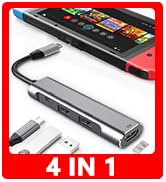
Back in the MyFunDad labs, Dad and Jackson unbox and test the Rreaka USB-C to HDMI adapter on his Samsung Galaxy Note 9 phone. I was pleasantly surprised with this little device. I discovered the adapter on Amazon looking for a USC-C extender to copy files off of my phone. When I found this magic box with about everything - a SD/MicroSD card reader, 4K HDMI video out and USB hub - I HAD to try it! The adapter worked wicked easily right out of the box. I am super impressed with the Samsung Dex experience. I was expecting only ‘screen mirroring’ and was pleasantly surprised to see an entire different desktop on the monitor. I feel like I have a whole computer with me and I have used it many times at work where the computers are locked down. I can plug my phone in and accomplish any task but on a much larger screen and with a full size keyboard and mouse. I don't have to worry about sites being blocked on work Internet because I am using my unlimited Verizon Wireless 4G. I am able to compose emails for my volunteer activities, like using Scoutbook.com, with a full size keyboard. The Samsung DeX world even turns the phone’s screen as a touch pad. What is also super cool, is when you tap into a text field, the phone keyboard presents itself! I will do a video using those features soon. I have been able to connect a 1 TB external drive to move over 75 GB of videos off my phone so I can edit on my desktop. In the video you will see I was using ES File Explorer. I didn't know at the time that it got banned from the Google Play and Android stores for suspicious practices with ad clicking. That app is off my phone now for sure. I am enjoying Cx File Explorer as my new file management app. The Amazon listing claims to support the Samsung Note10/S10/S10e/S9/S8Plus/Note8/Note 9/Tab S4/S5/S5e/ Desktop Experience,Nintendo Switch,MacBook Pro/Air 2018. If you have one of the supported devices you need this adapter. It will change your life! I have not tried a 4K monitor yet. You do need external power to run DeX mode to a monitor. I dont see that as much of a hinderance since you would most likely have some main power source running your external monitor. I want to try using a battery pack and see how long that will last. In the MyFunDad Studio we check out the RREAKA USB-C adapter to transfer video files from my Samsung Galaxy Note 9 to Micro SD Card. The card mounted perfectly. There were more video files than I expected, so the bulk transfer didn't work. To get around that, I have been able to connect a 1 TB external drive to move over 75 GB of videos off my phone so I can edit on my desktop. This is the easiest way to transfer files off your phone. Most of the MyFunDad videos have been shot on my phone - since that is what I have with me, like all of the time. My phone storage was filling up and I needed something to connect a MicroSD card. I also wanted to edit the videos on my desktop. I have the USB-C adapter that Samsung gave me with the phone but due to the design of it, I couldn't use it with my Otterbox case on. I grew tired of spending the time to take off the case to move files. I tried to connect to my NAS and upload the files over WiFi, but that too was a complicated and time consuming. This adapter is perfect. Be sure to see our video using the HDMI out and full size keyboard and monitor.
R**I
Awesome for DeX
I bought the 5-in-1 USB Type-C HUB to use with my Galaxy S9+ in DeX mode. I decided to go for the 5-in-1 instead of the 4-in-1 because it allows me to access several types of media (SD, micro-SD, and USB3 without any other adapters, which is something that I value. I also purchased a folding Bluetooth keyboard to go with this, thinking I would by a mouse later, but I don't need a mouse. This isn't exactly related to this product, but it might be useful to know; when in DeX mode, using the Bluetooth keyboard, the phone screen turns into a touch pad! This was my first time using DeX and I was really impressed with that. DeX itself isn't as refined as I would have liked, but it gets the job done. I wish Samsung made a bigger deal about this because I find the technology to be extremely useful. I see us eventually getting to the point where our phones become the only computer we need. This is still a long way off because there are still many things that are not available within the Android ecosystem. Now more about this specific product... The build quality is really nice, it feels solid in my hand. I just wish that the USB-C wire was removable so I could use a longer cable without an extension, and I feel like that wire will be the first thing to fail, so having it be replaceable might have just made this thing perfect. I knew this when I purchased it, so I'm not taking any stars off for this, but it's something to consider. The connections are solid. I tested all the different media types, and I could access all of them (USB Drive, SD card, and micro-SD card). I didn't have a 4K monitor to test with, but it connected to a 1080p screen using HDMI without any issues. The refresh rate was good enough. I played a few games to test the response and it was not bad. I also watched a few YouTube videos, which all ran smooth. The sound played clearly and in-sync with the video using headphones connected to my phone, the speakers in the monitor, and a Bluetooth speaker (which I already knew didn't have a delay in sound). I also tested this with an RF wireless keyboard and mouse via the USB3 port, and that worked fine as well. When the hub is connected to an external 5V source via the female USB-C port, it charges my phone at full speed. This also works with a battery pack. FYI - As stated in the product information, you must connect a 5V power source to this device in order to have DeX mode activated. Overall this device does everything I need it to do and I'm very happy with my purchase.
D**K
Works for DeX and screen mirror with a Samsung Galaxy S10+
Bought this to use with a newly purchased Samsung Galaxy S10+. The primary reason was to have a way of showing movies on a TV when traveling. I've only given it a brief try so far but it appears to work as advertised. I hooked up power, HDMI, and put in a SD card with a couple of movies on it before plugging the adapter into my phone. The phone offered to go into DeX mode so I tried that first. It worked. I'm not going to judge DeX itself here but the adapter worked with the phone and put a full desktop on a TV. After switching the phone to screen mirroring mode I was able to bring up a Netflix stream on the TV while still controlling it from the phone. Next, used VLC to browse into the files that were on the connected SD card, which showed up without issue. Was able to play a movie from an MKV file without any problems. The only port I didn't try on the adapter is the USB-A one. If it works as well as everything else then either a USB thumb drive (for files) or a mouse (for DeX control) should work. My only complaint with the adapter is where the various ports open on it. Having the HDMI and power in ports on opposite sides of the adapter makes for a cable mess when plugging everything together. It would be cleaner if the HDMI came out of the back end (where the USB-A port is) or if the HDMI and power in ports were on the same side with the SD/MicroSD card reader on the other. That would avoid having cables run back across the adapter when everything is laid out. Update Aug 22, 2019: I need to knock one star off due to an issue I experienced recently. The hub appears to have some sensitivity to the power supply used or with the video device connected to. During a recent trip I hooked up my phone to the hotel's TV to watch a movie I had stored on the phone. When I hooked up the power supply (a RAVPower Quick Charge unit) no video would come out through HDMI. When I disconnected the power supply video worked fine. Fortunately, I had enough charge in the phone to watch the movie. When I tested at home this same setup (and power supply) worked fine.
A**T
Exceptional deal
My son had an adapter that he used to charge his switch and plug it into the TV. It worked good enough but not great. He got this and he is extremely pleased with his purchase. It works justike it should. It has two USB ports so he can charge controllers... It seems to work really well and he is glad he bought this. For the price it is an amazing deal.
O**8
Works for Original Switch in Handheld Mode For Plugging in a USB Mouse.
Works great for Switch in Handheld mode to use a USB mouse for Mario Paint! Just need to have a USB mouse that is compatible, and there really isn't anything that tells you what kind of USB mouse is compatible. My USB mouse that was for my Cyberpower PC worked though. The adapter worked well, make sure you use a official USB C AC Adapter for the Switch for this to work. I'm glad I tried it!
O**V
Does not work with Galaxy S20
When connected to Galaxy S20, the phone reboots constantly when trying to connected external SSD or USB stick. Does not support exFAT. Looks like only FAT32 with connected to Galaxy S20, but still unstable. When connected to OnePlus 6T everything was working, even exFAT, but not HTFS, except when trying to connect the power supply to USB-C port, all drives disconnected. So, it will not charge or provide power from an external source for transferring large files from one drive/SD card to another. Phone battery drains very fast and will not be enough to transfer 256GB SD card to, let's say, SSD for a backup without external power. I was hoping it will help me to provide the ability to backup my camera SD card to SSD for traveling, but not good enough, due to the fact, that I cannot charge and transfer at the same time. Max Transfer speed was about 6 Mb/s.
G**L
Accessed my phone with a malfunctioning screen
Worked exactly as described, and I was even able to use it to access my phone despite having a malfunctioning screen. To be clear!- This is with a Galaxy S21+ and the only reason I suspected it would work with a broken phone is that my screen went completely blank/white but still seemed to respond to touch inputs (i.e., gave me vibration feedback). I was able to unlock my screen blind due to having my passcode memorized and after connecting this dongle I spammed around until I luckily hit 'accept' on the screen. I was instantly in, and the spare USB slot allowed me to connect my mouse to control the TV screen to retrieve my contacts, messages, and lost data. I will note: for it to work you need to follow the steps on the instruction card exactly in terms of what to plug in and when to turn it on. Highly recommended in a pinch if your phone has the exact same issue as mine. I am sure it also works great with a fully working phone.
A**L
Love it!
I got this dock for my partner and it looks great on his desk. It's nice and small but it holds and displays the switch nicely. It works well as a dock to display the switch on his monitor so far. Great value!
Trustpilot
1 month ago
4 days ago


